CREATIVE IMAGE LAB / 02

Grok Image 2:
Turn one line into a world.

A fast, browser-based AI image generator for turning natural-language prompts into bold visual concepts. Describe a subject, composition, lighting, mood, or material, then explore editorial, cinematic, hard-flash, and photoreal styles.

Start with 10 free credits, generate your first image, and refine the result through simple creative direction.

TEXT TO IMAGE · MODEL CHOICE · 3:2
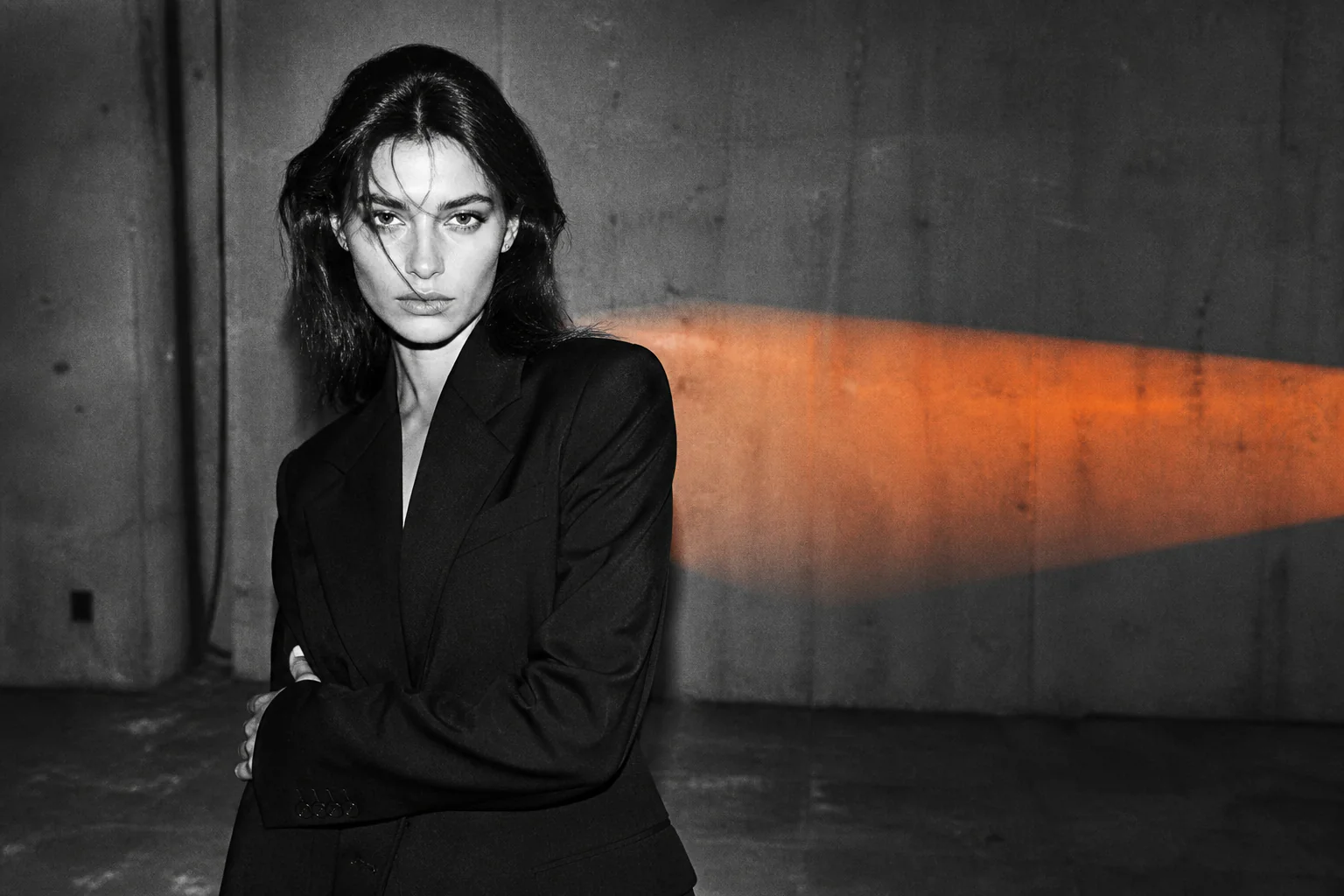
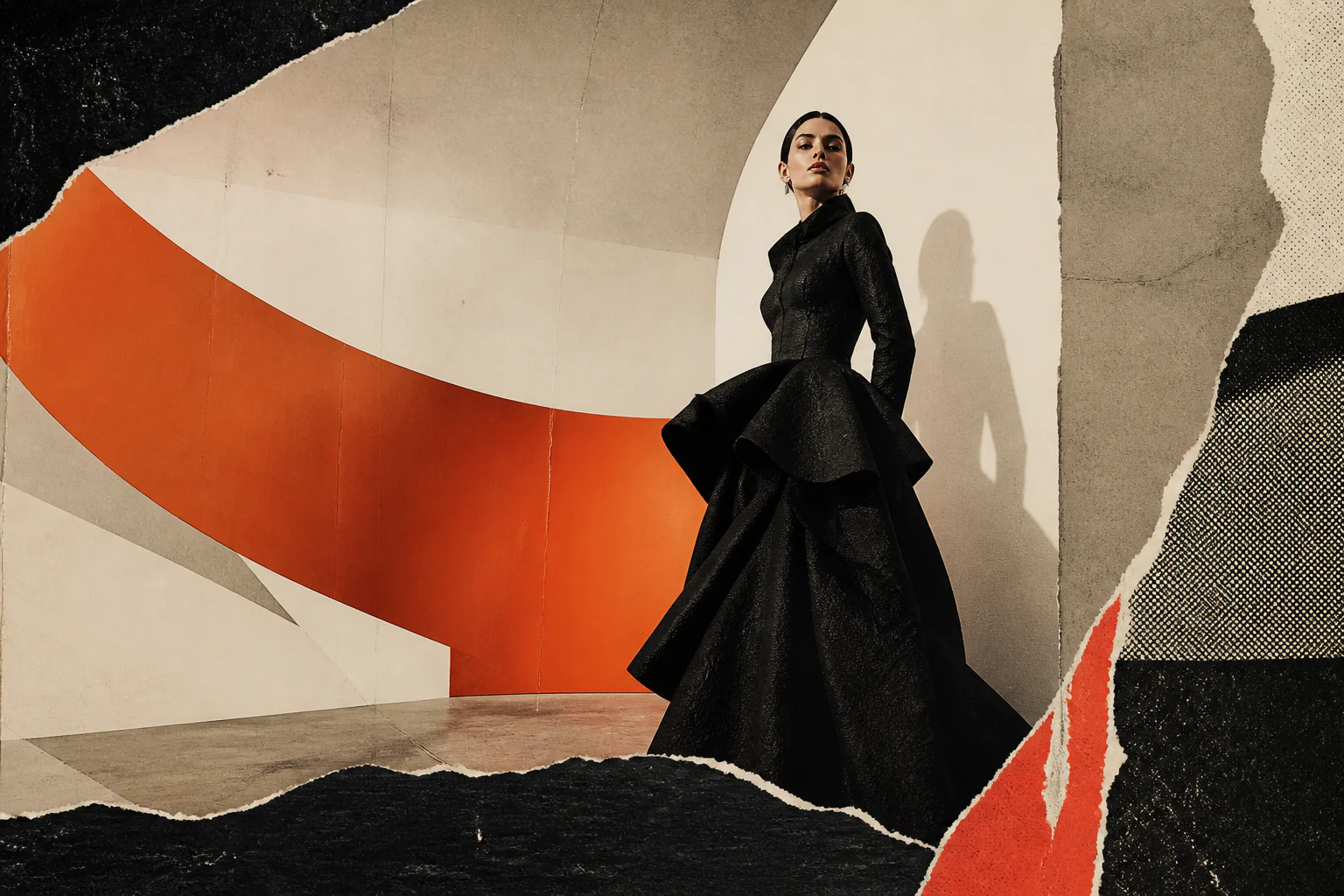
Hand-cut orange-and-black fashion editorial collage with an adult model
OUTPUT / 011536 × 1024
G2

Provocative fashion
editorial study

TEXT → IMAGE
RAW IMAGINATION
01 / TRY THE CANVAS

Create your first
image.

Begin with the clearest version of your idea. Describe the main subject, action, environment, and feeling, then add camera distance, lighting, materials, colors, and atmosphere. No special prompt syntax is required.

GROKIMAGE2.ORG / CREATE READY
98 / 300
Visual style
Generation model
Modelgrok-image-2.0 2.0
Aspect ratio3 : 2
Count01
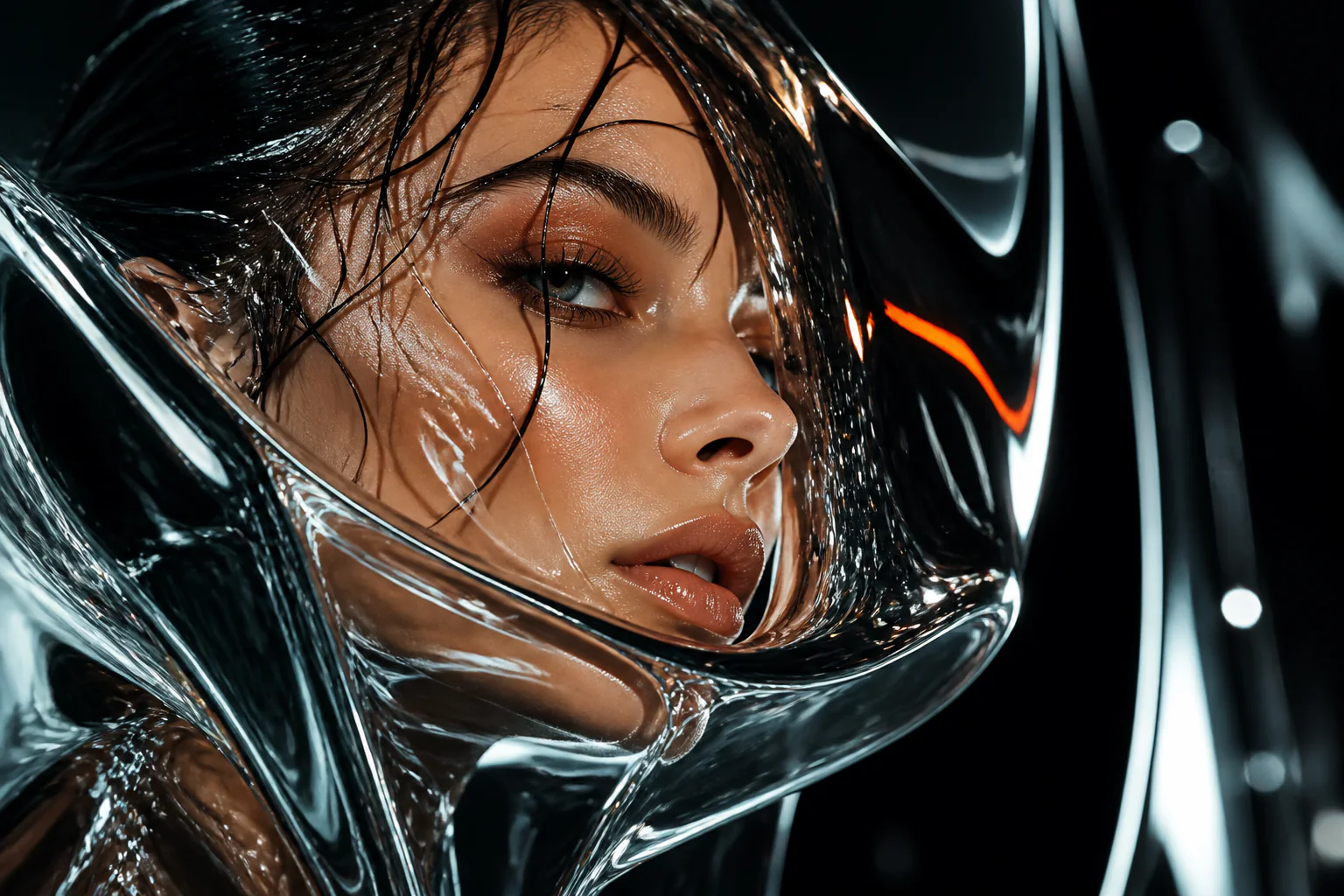
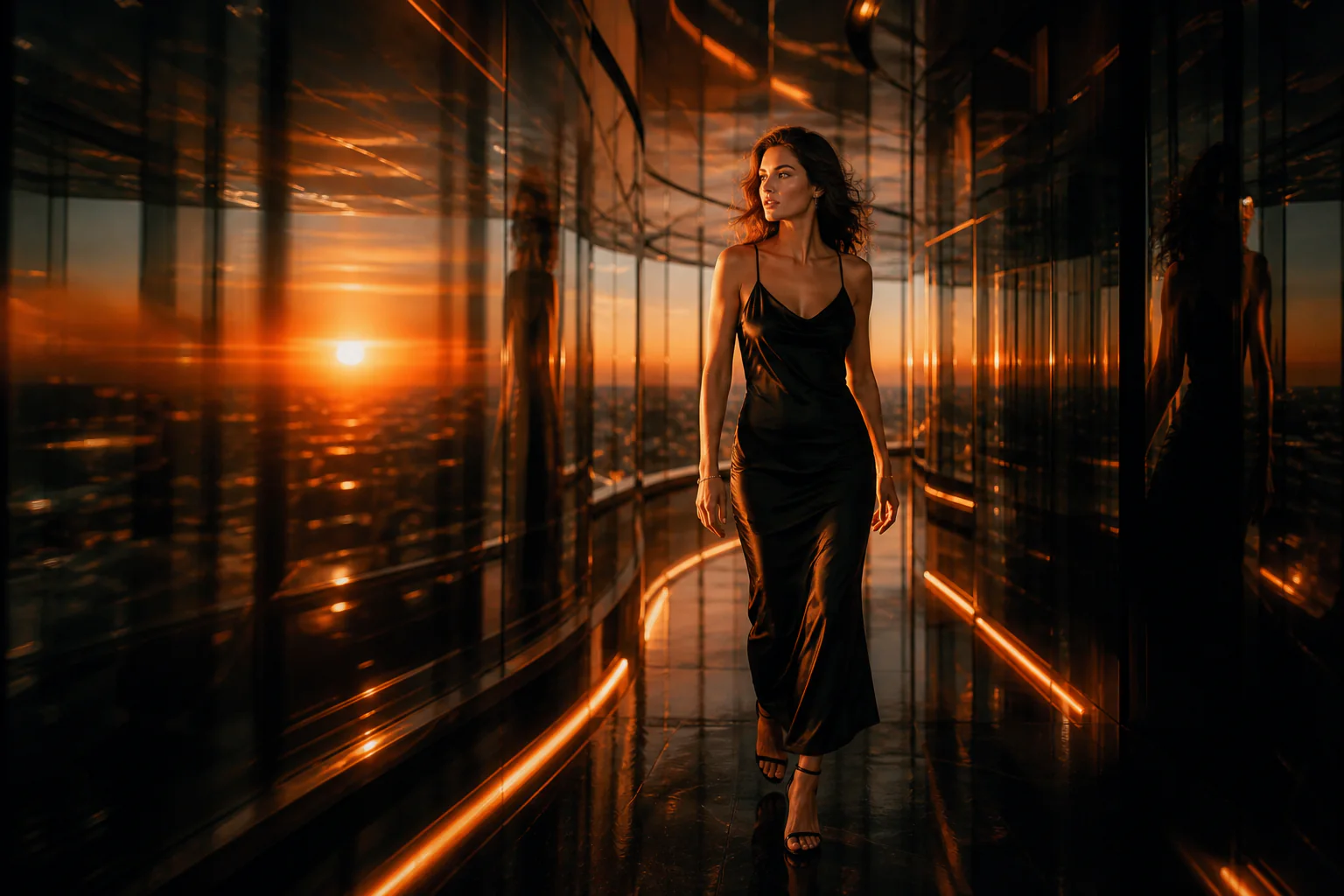
Cinematic adult fashion model in a mirrored corridor at orange sunset
SEED / 8214PROVOCATIVE FASHION
00 / ABOUT THE LAB

What is Grok Image 2?

Grok Image 2 is an independent creative image lab built for people who think in scenes before they think in settings. Instead of navigating dozens of technical controls, write what you want to see in ordinary language: who is in the frame, where they are, how the light behaves, what the camera feels like, and which emotion the image should carry.

The workbench is designed for rapid visual exploration. Use it to test an art direction, develop a campaign mood, draft a cover, create a character, or turn an unfinished idea into something you can react to. GrokImage2 keeps the interface simple so the creative decision stays with you.

MODEL NOTE / AUGUST 2026

What changed in
Grok Imagine Image 2?

xAI presents Grok Imagine Image 2 as an image generation and editing update built for usable creative work, not only one-off demos. The most relevant changes are higher-fidelity edits, more realistic detail, better instruction and scene understanding, stronger text rendering, and more consistent control over a visual direction.

Source reviewed: xAI's official product announcement and current Imagine documentation.Read the xAI announcement

01

High-fidelity image editing

Describe a targeted change in natural language—replace a background, adjust a color, remove an object, or restyle a scene—while preserving the parts of the image that should remain unchanged. This makes iteration more useful than rebuilding every frame from scratch.

02

More believable visual detail

The update emphasizes finer textures, more natural materials, realistic characters, and scenes that hold together under closer inspection. That matters for product concepts, portraits, editorial work, and marketing images intended to feel finished rather than merely plausible.

03

Stronger prompt and scene understanding

Tighter instruction following helps the model interpret composition, spatial relationships, mood, lighting, and real-world context as one connected direction. Clear prompts can therefore describe a scene instead of relying on long strings of disconnected style keywords.

04

Text and brand-ready assets

Stronger text rendering and more consistent creative control make the model more relevant to posters, product visualization, campaign concepts, social graphics, and branded variations. Exact text and logos should still be reviewed before publication.

AVAILABLE ON GROKIMAGE2.ORG

Model status, without ambiguity.

The official model announcement and this website's current integration are separate things. Choose an available model in the workbench today, or follow the 2.0 status here.

grok-image-2.0COMING SOON
Shown as the default upcoming option, but generation is disabled until our grok-image-2.0 provider integration is available.
grok-image-1.5AVAILABLE
Available now for text-to-image generation through our Kie.ai integration.
Nano Banana 2AVAILABLE
Available now as an alternative 1K text-to-image model through our Kie.ai integration.

GrokImage2.org is an independent creative image lab and is not affiliated with xAI or X Corp. Capability descriptions above summarize xAI's public materials and do not mean every capability is currently available on this website.

02 / FROM PROMPT TO PICTURE

How to create an AI image

Move from a rough idea to a deliberate visual direction in three clear steps. Each generation is a draft you can compare, question, and improve.

01

Write a clear visual prompt

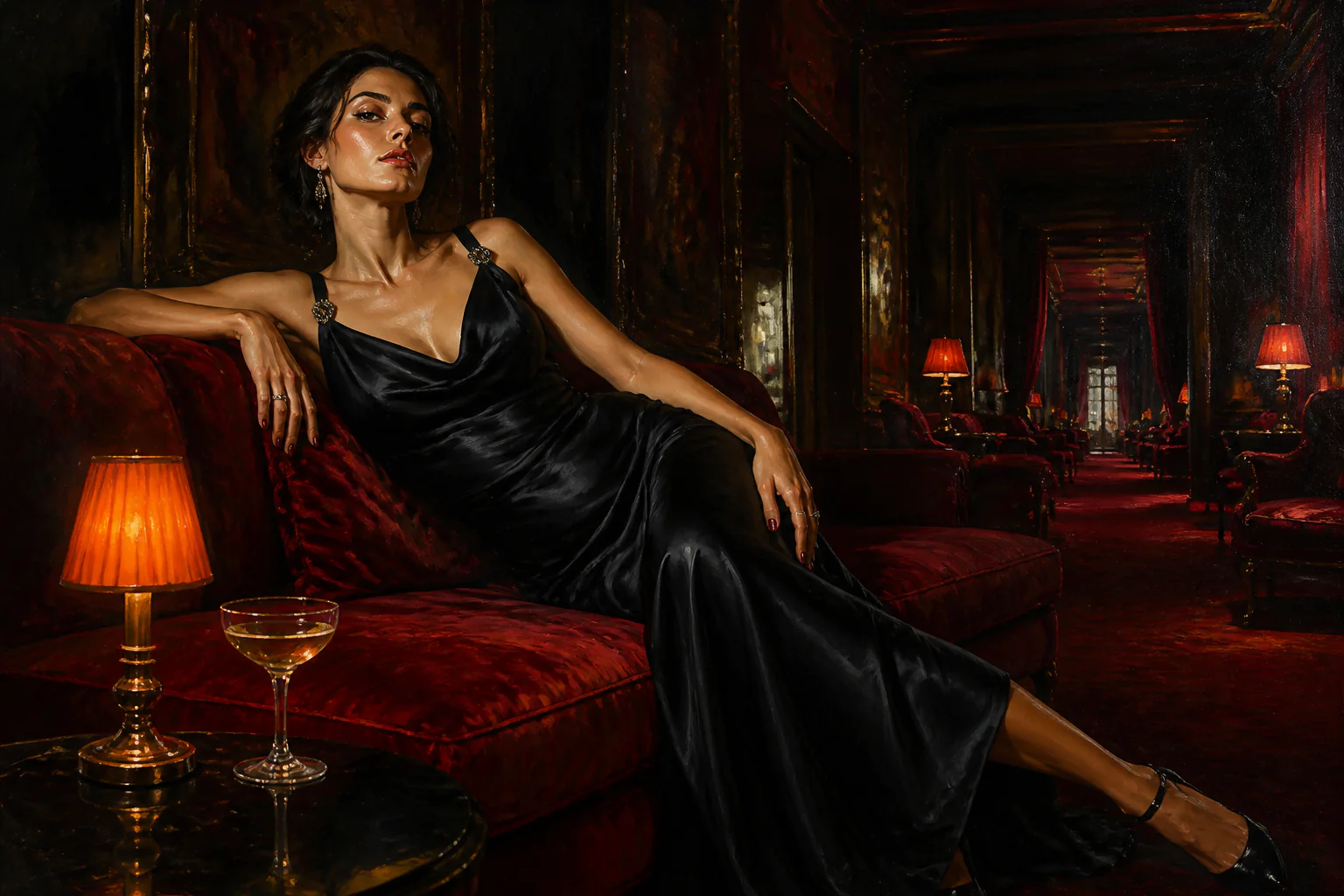
Start with the subject and action, then add composition, lighting, color, lens, texture, and mood. A useful prompt might describe an adult fashion model in a sculptural black dress, framed with hard orange flash inside a red velvet room. Specific visual language works better than a long list of disconnected keywords.

02

Choose a style and format

Select an editorial, cinematic, hard-flash, or photoreal direction, then choose the aspect ratio that fits the final use. Portrait layouts suit covers and social posts, while wide frames work well for campaign concepts, storyboards, and presentation backgrounds. One prompt can take on a completely different character when its visual direction changes.

03

Generate, compare, and refine

Create an initial result, compare alternatives, and keep the elements that support your idea. Continue with direct instructions such as “make the light warmer,” “move the subject closer to the camera,” or “replace the background with a midnight city.” Focused revisions are faster than rewriting the whole prompt every time.

03 / BUILT FOR THE IDEA

Why create with
Grok Image 2?

Powerful image-making tools should leave room for taste and judgment. The interface keeps technical friction low so you can concentrate on the subject, composition, and atmosphere.

01

Create in natural language

Describe the scene as if you were briefing a photographer or art director. References to composition, light, material, color, and atmosphere become a coherent image direction, helping beginners start quickly while giving experienced creators enough precision to express a clear point of view.

02

Keep the style consistent

One isolated image is rarely enough for a campaign, character, or visual series. Reuse the same art-direction language across prompts to keep color, lighting, wardrobe, framing, and mood aligned from one result to the next.

03

Refine with focused prompts

Creative work rarely arrives finished in one pass. When a result is promising, adjust one part of the prompt and generate again. Focused changes to pose, crop, background, light, or texture make comparisons clearer and help you reach a more deliberate final image.

04 / MADE FOR REAL PROJECTS

Built for real creative work

Use the image lab to explore a direction before production, communicate an idea to a team, or create a finished visual for a personal project.

01

Fashion and editorial concepts

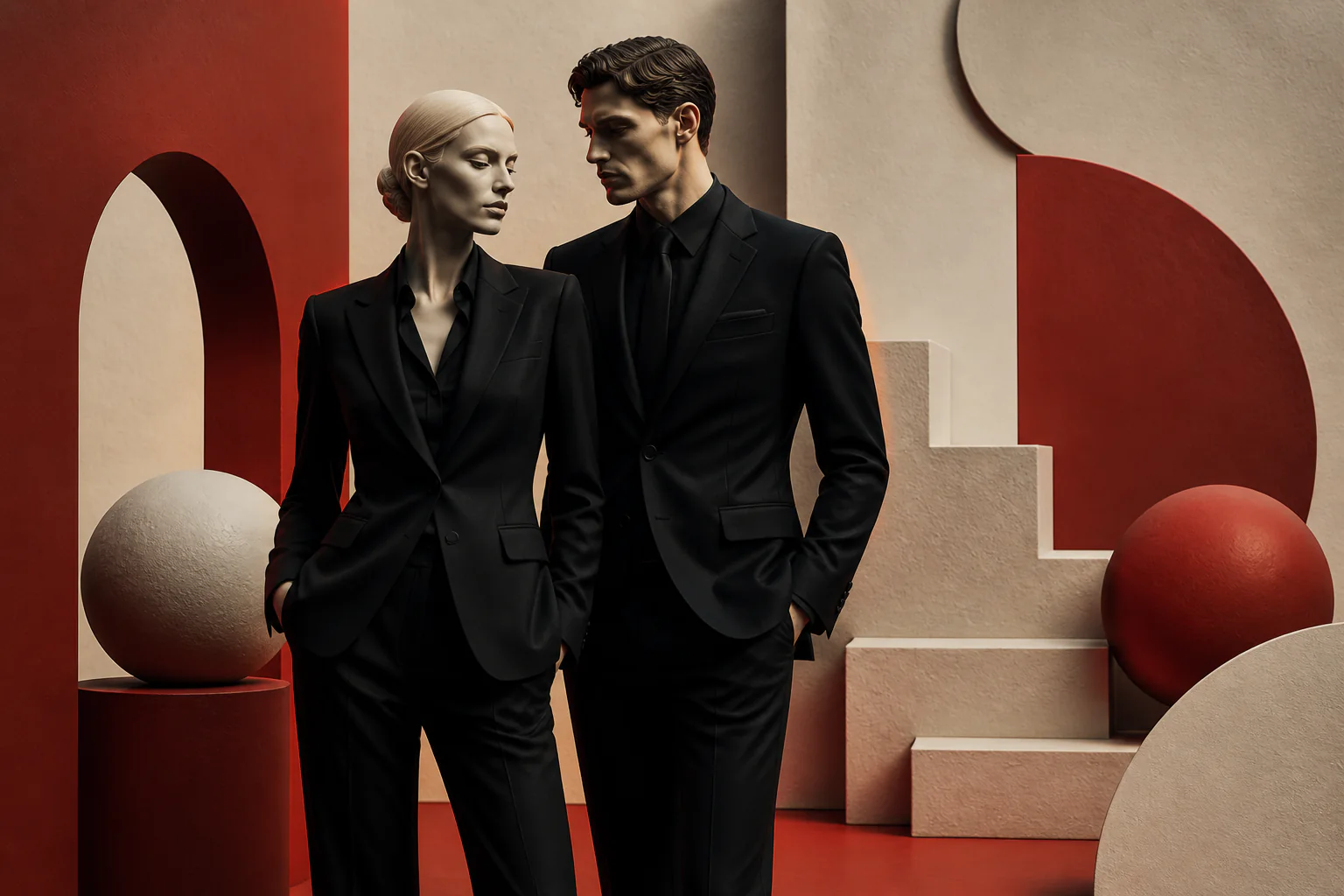
Explore wardrobe, poses, locations, and lighting before committing to a production. Create expressive references featuring clearly adult models, experiment with provocative editorial direction, and turn early ideas into a visual moodboard that a creative team can discuss.

02

Marketing and campaign visuals

Develop visual directions for landing pages, product launches, advertising concepts, pitch decks, and campaign moodboards. Compare several approaches before selecting the composition and tone that best support the message.

03

Concept art and storyboards

Visualize characters, environments, props, and key moments from a story. Wide cinematic frames can establish a world, while closer compositions are useful for exploring costume, expression, and character identity.

04

Social content and covers

Create portrait images for social posts, thumbnails, posters, editorial covers, and music artwork. Work with the final aspect ratio from the start so the subject and negative space remain usable when typography is added later.

06 / PROMPT IDEAS

Prompt ideas to try

Strong prompts combine a clear subject, an environment, a lighting direction, a composition, and an emotional tone. Start with one of these ideas, then change one element at a time to understand what shapes the result.

01

Adult fashion model in a sculptural black gown, hard orange flash, brutalist concrete studio, high-contrast editorial photography.

Try this direction
02

Rain-soaked neon street after midnight, cinematic wide frame, reflective pavement, restrained color palette, 35mm film grain.

Try this direction
03

Minimal product pedestal in warm desert light, soft shadows, premium campaign photography, clean negative space for typography.

Try this direction

A useful formula: subject + setting + lighting + composition + mood. Keep the first version simple, review the image, and add only the details that move the idea closer to your goal.

07 / QUESTIONS & ANSWERS

Grok Image 2 FAQ

Clear answers about the official Image 2 update, current model availability, prompts, free credits, and the independent team behind this image lab.

What is Grok Image 2?+

Grok Image 2 is a browser-based creative image lab that turns written prompts into editorial, cinematic, and photoreal visual concepts. It is designed for fast experimentation, comparison, and refinement without requiring a complicated professional production interface.

Is GrokImage2 free to try?+

Yes. New accounts receive 10 free credits after signing in with Google. Use them to explore the image workflow and test different prompts, styles, and formats before choosing a paid plan.

Are GrokImage2.0, image2, and image 2 the same service?+

People may use names such as GrokImage2, GrokImage2.0, image2, or image 2 when searching for the product. The web address for this independent creative image lab is grokimage2.org.

What makes a good image prompt?+

Begin with the subject and action, then describe the location, framing, light, color, material, and mood. Clear visual relationships are more useful than repeated style keywords. Start short and add details after reviewing the first result.

Can I use generated images commercially?+

Commercial usage depends on the current plan and applicable terms. Review the licensing and content rules before using an image in advertising, client work, merchandise, or another commercial project. You remain responsible for third-party rights.

Is GrokImage2.org affiliated with xAI?+

No. GrokImage2.org is an independent creative image lab and is not affiliated with, endorsed by, or operated by xAI or X Corp.

What is new in Grok Imagine Image 2?+

xAI's official materials emphasize high-fidelity natural-language editing, more realistic detail and texture, stronger instruction and scene understanding, improved text rendering, and more consistent creative control. These changes are most useful for iterative creative work such as product visuals, campaigns, editorial images, and social assets.

Can I use grok-image-2.0 on GrokImage2.org now?+

Not yet. The workbench displays grok-image-2.0 as the default upcoming model, but its generate action remains disabled until our provider integration is available. You can currently generate with grok-image-1.5 or Nano Banana 2.
START CREATING / GROK IMAGE 2

Your next world
starts here.

Start with a scene you cannot stop thinking about. New Grok Image 2 accounts receive 10 free credits to turn that idea into a visual direction, compare alternatives, and refine the strongest result.

Create with 10 free credits